What Happens to Your Photos and Videos When You Die?
What happens to your photos and videos when you die, what Apple and Google allow, and how to keep them in the family.
By Jason Marlowe 8 min read

Think about where your family's memories live today. Thousands of photos sit in a phone's camera roll. Videos of first steps and birthday parties are tucked into a cloud account. A favorite voicemail from your mom is buried in the Phone app. A generation ago, those memories lived in shoeboxes and albums that anyone in the family could pull off a shelf. Today, many of them sit behind a password that only one person knows.
That raises a question most of us never think to ask until it is too late: what happens to your photos when you die? The honest answer is that it depends on where they are stored, which services you use, and whether you set anything up ahead of time. Without a plan, your family may face locked accounts, forms to submit, and in some cases data that can be deleted after a long period of inactivity.
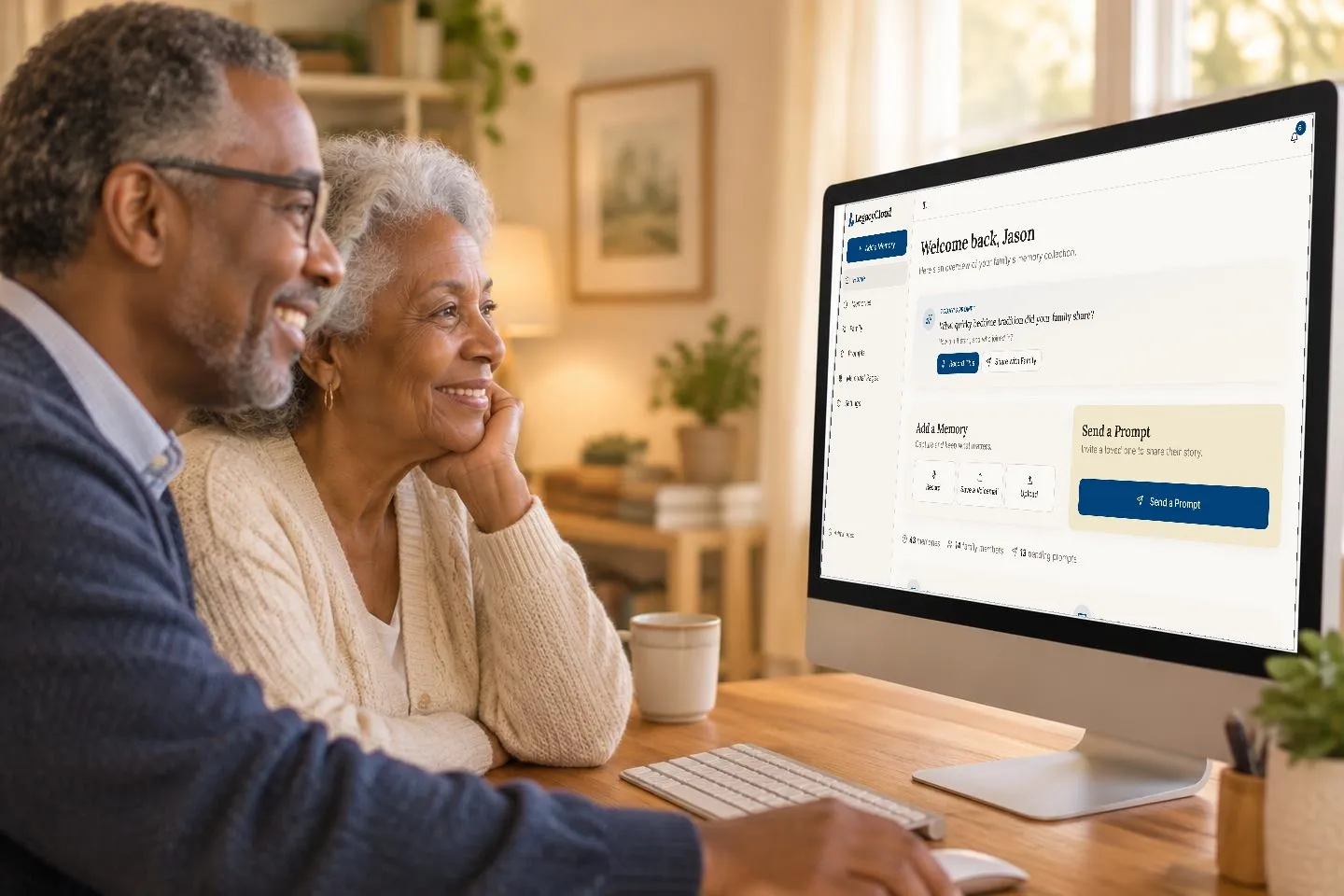
LegacyCloud was built so that your family's most meaningful memories do not end up in that situation. LegacyCloud gives you one place to keep the stories, photos, voicemails, and videos that matter most, organized on a timeline your family can actually browse. With LegacyCloud Legacy Access, you choose a trusted Legacy Contact from your family tree in advance. If you pass away, they can request access, and once LegacyCloud verifies it, they take over your account with every memory, photo, and family tree intact.
This guide explains what the biggest tech companies do with your photos and accounts after death, why their tools only solve part of the problem, and how to build a simple digital legacy plan that keeps your memories with the people you love.
What Apple, Google, and Facebook Do After Death
The major platforms have each added tools for this situation, and they are worth setting up. Here is what their own help pages say.
Apple offers a feature called Legacy Contact. According to Apple Support, a Legacy Contact is someone you choose to have access to certain data in your Apple Account after your death, including photos, messages, notes, files, and device backups. Some things are excluded, such as movies, music, and books you purchased, along with passwords and payment information stored in iCloud Keychain. To request access, your Legacy Contact needs the access key you generate when you add them, plus a death certificate. Setting it up requires a device running iOS 15.2, iPadOS 15.2, or macOS Monterey 12.1 or later.
Google offers Inactive Account Manager. Its help page explains that if your account is inactive for a period you choose, Google can notify up to 10 trusted people and give them a link to download the data you selected to share. Google's inactive account policy also states that if an account has not been used for at least two years, Google may delete it along with its activity and data. If you rely on Google Photos and never set up a plan, that policy is worth knowing about.
Facebook lets family members ask for a deceased person's account to be memorialized. According to Facebook's help center, Facebook will memorialize an account once it receives a valid request, it secures the account to protect the person's privacy, it will not provide login information, and verified immediate family members can request that the account be removed.
All of these policies can change, so check each service's current help page when you set up your plan.
Why Platform Tools Only Solve Part of the Problem
Those platform tools are genuinely helpful, and you should set them up. But even when they work perfectly, they leave three gaps that matter a great deal to families.
The first gap is scatter. Your memories are probably spread across several services: photos with one company, voicemails on your phone, videos in a messaging app, and old prints in a closet. Each service has its own process, its own forms, and its own rules. A grieving family may have to work through all of them, one at a time, often without knowing which accounts even exist.
The second gap is context. Even if your family receives every photo you ever took, a download of thousands of files does not tell them who is in each picture, why a moment mattered, or what you were thinking that day. A photo of a young couple on a porch means very little without someone to say, "That is your great grandparents the summer they got engaged."
The third gap is the story itself. The most valuable things you carry are not files at all. They are your memories of growing up, how you met your spouse, what you learned from hard years, and what you want your grandchildren to know. No platform policy can hand those down if they were never recorded.
LegacyCloud is designed to close all three gaps. It brings your most meaningful photos, voicemails, videos, and recorded stories into one place instead of a dozen. It gives each memory context: when you save a voicemail, for example, you add a title and who it is from, and every memory is automatically organized on a timeline your family can browse by date or search by tags. And it makes recording your own stories as simple as pressing a large, friendly button, so the memories only you can tell are captured in your own voice.
A Simple Digital Legacy Plan in Six Steps
You do not need a lawyer or a weekend to get started. These six steps cover the essentials, and you can work through them at your own pace.
List where your memories live. Write down every service that holds photos, videos, or voicemails you care about, such as your phone's photo library, a cloud storage account, social media, and any old devices or hard drives.
Turn on each platform's built in tool. Add an Apple Legacy Contact if you use an iPhone or Mac, and set up Google Inactive Account Manager if you use Google Photos or Gmail. These protect the full archive of everything you have stored.
Choose the memories that matter most. Out of thousands of photos, a much smaller set tells your family's real story. Upload those to LegacyCloud along with the voicemails and videos you would be heartbroken to lose.
Add the story behind them. Record a short explanation in LegacyCloud for the photos that need context, and record a few memories of your own. LegacyCloud shows a fresh story prompt every day if you need a place to start.
Choose your LegacyCloud Legacy Contact. In Settings or on your Family page, pick a trusted person from your family tree. Tell them you have done it and where they can find the Legacy Access page if they ever need it.
Share and back up. Decide which memories to share with family now using LegacyCloud's sharing settings, and download a full backup of your memories from Settings so a copy also lives somewhere you control.
Revisit this plan once a year, or after any big life change such as a new phone, a move, or a new grandchild. A plan you update regularly is far more useful than a perfect one you set up once and forget.
How LegacyCloud Legacy Access Works
LegacyCloud Legacy Access is built around one idea: your memories should outlast you, and your family should never have to fight a login screen to keep them. Here is how it works.
It starts with your family tree. LegacyCloud lets you add the people in your family, and from that list you choose your Legacy Contact in Settings or on your Family page. Your Legacy Contact is not given immediate access to your account. Your memories stay yours and under your control while you are living. Instead, your Legacy Contact serves as a trusted backup for two situations.
The first is if you pass away. Your Legacy Contact can submit a request on LegacyCloud's Legacy Access page, sharing their name, email, and the account owner's name. LegacyCloud reviews every request personally and may ask for documentation, such as a death certificate, before granting access. Once the request is verified, your Legacy Contact takes over your account with every memory, photo, and family tree intact, so they can keep caring for the collection and adding to it.
The second is if your payment ever fails. Life gets complicated, especially later in life or during an illness. If a payment fails, LegacyCloud reminds you several times, and if it still cannot be resolved, LegacyCloud reaches out to your Legacy Contact so nothing is lost.
On top of that, you always have your own copy. From the Settings panel in your LegacyCloud dashboard, you can export a full backup of your memories at any time. Every recording is encrypted while it travels and while it is stored, LegacyCloud never shares your content with third parties, and you decide who sees each memory.
Together, those pieces mean your family's memories are not tied to a single password, a single device, or a single person. That peace of mind is the heart of what LegacyCloud is for.
Give Your Memories a Plan
Nobody likes thinking about what happens after they are gone, but a little planning now saves your family a lot of heartache later. Turn on the tools Apple and Google offer. Gather the memories that matter most into one place. Record the stories behind them. And choose someone you trust to carry them forward.
LegacyCloud brings those last three steps together. It keeps your most meaningful photos, voicemails, videos, and stories organized on one timeline, it makes recording your own memories simple, and Legacy Access ensures a trusted family member can take over your collection when the time comes. If you are starting with voicemails, our guide on how to save a voicemail walks you through it on iPhone and Android.
Start your free trial of LegacyCloud, no credit card needed, and make sure the memories you have today are still with your family tomorrow.