How to Record a Grandparent's Stories Without a Smartphone
How to record a grandparent's stories without a smartphone, with ideas that work by landline, letter, or in person.
By Jason Marlowe 8 min read
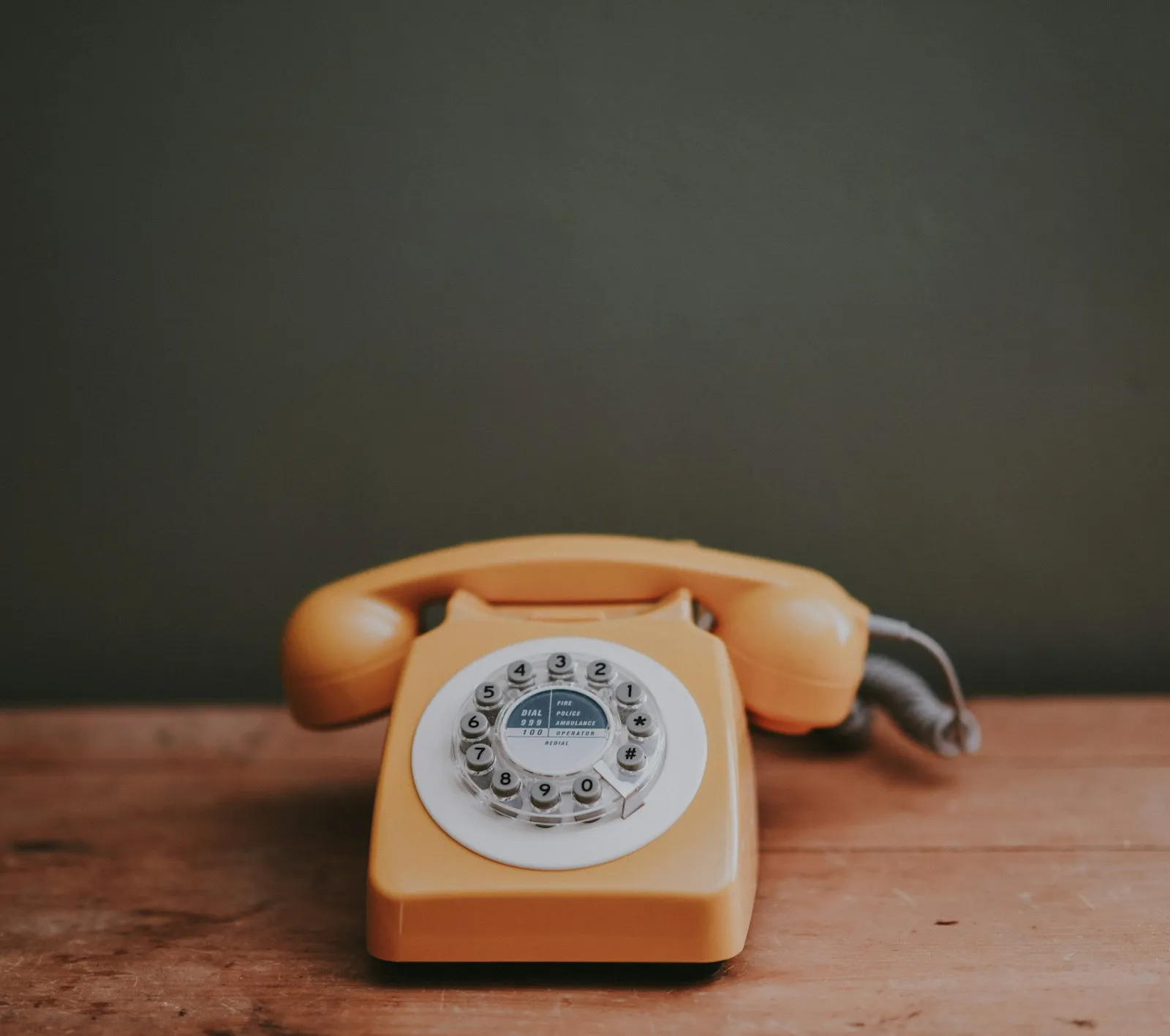
Your grandmother has the best stories in the family. She remembers the farm, the war years, the move across the country, and the names of relatives nobody else can place in the old photos. She also has a flip phone, or a landline in the kitchen, and absolutely no interest in downloading anything.
For a lot of families, that is where the plan to record a grandparent's stories quietly stops. Many digital tools assume everyone has a smartphone, an email address, and the patience to learn something new. The people with the most stories to tell can be the ones those tools leave out.
LegacyCloud was built to include them. Along with story prompts sent by text or email and recording together in person, LegacyCloud offers Record by Phone: your grandparent dials a secure phone line from any phone, enters their personal PIN, and tells their story just by talking. The recording is saved to their place on your family tree in LegacyCloud, right alongside the photos, voicemails, and stories the rest of the family has collected. If they can make a phone call, they can add to the family's history.
This guide explains how to record stories without a smartphone using LegacyCloud's Record by Phone feature, a few other low tech ways to capture a grandparent's memories, and practical tips for getting great stories over the phone.
Who Gets Left Out When Everything Requires an App
Pew Research Center's mobile fact sheet reports that 91% of U.S. adults own a smartphone, but the oldest generation lags behind. According to a Pew Research Center analysis of a 2025 survey, adults 65 and older are the least likely age group to own a smartphone. About 78% of them do, which means roughly one in five does not.
That gap matters more than the number suggests. The relatives without smartphones tend to be the oldest people in a family, and they often hold the memories that reach furthest back: what life was like before the family moved, how great grandparents made a living, the stories behind the names on the family tree. Those are exactly the stories that disappear when no one records them.
Even grandparents who do own a smartphone may not be comfortable using it for anything beyond calls. Tapping a link, allowing microphone access, and finding a record button can feel like one hurdle too many. It is easy to tell yourself you will record Grandpa's stories on the next visit, and then the next visit gets busy.
The phone call is different. It is the one technology nearly every grandparent already knows by heart. They have been making calls for their whole lives, and telling stories on the phone comes naturally. That is why LegacyCloud's Record by Phone feature meets them right where they are. Nothing new to learn, nothing to install, and no screen to navigate. Just a number, a PIN, and their voice.
How LegacyCloud Record by Phone Works
LegacyCloud's Record by Phone feature is designed so the grandparent does almost nothing except talk. You handle the setup, and they simply pick up the phone whenever a memory comes to mind.
Start your LegacyCloud account. Sign up for a free trial at thelegacycloud.com. No credit card is needed.
Add your grandparent to your family tree. Their phone recordings will attach to their place on the tree, so the whole family knows whose voice they are hearing.
Open Record by Phone in Settings. In your LegacyCloud account, go to Settings and choose the Record by Phone tab.
Create a PIN for your grandparent. Give them their own personal PIN, connected to them on the family tree, and note the phone number they will call.
Share the number, the PIN, and a question. Callers do not hear a question when they dial in, so give your grandparent something to talk about ahead of time. Write the number, their PIN, and one simple question on a card by the phone, such as "Tell me about the house you grew up in."
They call, enter their PIN, and talk. Your grandparent dials the number from any phone, landline or mobile, enters their PIN, and tells their story in their own words. They can call back whenever they have a new memory to share.
The story lands in your collection. Each recording is saved in LegacyCloud and attached to your grandparent on the family tree, where you can listen, see it on your timeline, and choose who in the family can hear it.
That is the whole process. No account for your grandparent to create, no password to remember, and nothing to navigate on a screen. If you later want a PIN for a different relative, you can remove one in Record by Phone and create a new one. Record by Phone also works with LegacyCloud Celebrations: a Celebration can have its own PIN, so guests at a birthday, reunion, or celebration of life can call in a memory even if they do not carry a smartphone.
Other Ways to Capture Their Stories Without a Smartphone
Record by Phone is the simplest option for most families, but it works even better alongside a few other approaches. Each of these also fits naturally into LegacyCloud.
Record together in person. On your next visit, open LegacyCloud on your own phone, set it on the table between you, and press record. Your grandparent does not need to touch a device at all.
Put the call on speaker. During a regular phone call, put your grandparent on speaker and record the conversation on a second device in a quiet room, then upload the audio to LegacyCloud. Ask permission first so they know the story is being saved.
Save the voicemails they leave. If your grandparent already leaves you voicemails, those messages are small recordings of their voice. Save them as audio files and upload them to LegacyCloud. Our guide on how to save a voicemail walks you through it.
Ask a nearby relative to help. A cousin or neighbor who visits regularly can record a story on their own phone with a LegacyCloud story prompt link, and the recording lands in your collection.
Write letters back and forth. Some grandparents prefer pen and paper. Mail them one question at a time, then photograph their handwritten replies and upload them to LegacyCloud alongside their recordings.
Bring out the photo albums. Old pictures prompt memories. Record your grandparent explaining who is in each photo, then upload the photo and the story together so they stay connected.
Mixing methods also takes pressure off. A grandparent who freezes when asked to tell a story on command may open up naturally while flipping through an album or chatting on a long Sunday call.
Tips for Great Phone Storytelling
A phone call strips away facial expressions and body language, so a few small adjustments help your grandparent tell their best stories.
Start with a specific question. "Tell me about your life" is too big to answer over the phone. "What did your family eat for Sunday dinner when you were a kid?" gives them a clear place to begin. Oral history guidance consistently favors open questions over yes or no questions, and a family folklore guide hosted by Smithsonian Education warns that strings of yes or no questions can make an interview feel like an interrogation.
Suggest a quiet time and place. Encourage your grandparent to call in from a comfortable chair, away from the television or a running dishwasher, so their voice comes through clearly.
Keep each recording short. Two or three questions per call is plenty. The Smithsonian guide notes that older adults can tire quickly, so ending early and calling back another day usually produces better stories than one long session.
Write the details down for them. A card by the phone with the number, the PIN, and the week's question removes the worry of forgetting a step. Large, clear handwriting helps.
Follow up with gratitude. After each story arrives in LegacyCloud, call to say thank you and mention a detail you loved. Knowing someone listened is often what gets the next story told, and it gives you a natural follow up question for next time.
Share what they recorded. When you share a grandparent's story with the rest of the family in LegacyCloud and the grandkids react, pass those reactions along. Hearing that the great grandchildren loved the story about the farm can be all the motivation a storyteller needs.
If They Can Make a Phone Call, They Can Tell Their Story
A grandparent without a smartphone is not a dead end. They may be the most important voice your family has not recorded yet. With LegacyCloud's Record by Phone feature, all they need is a phone, a PIN, and a question, and their stories are saved to the family tree for their children, grandchildren, and great grandchildren to hear.
Start with one question this week. Write it on a card with their phone number and PIN and leave it by the phone, or read it to them on your next call. If you need ideas, our guide to questions to ask your grandparents has 40 of them, and our guide to recording family stories from far away covers relatives who do use text or email.
Start your free trial of LegacyCloud, no credit card needed, and give the storyteller in your family an easy way to be heard.